 |
nsbaci 1.0
|
|
nsbaci 1.0
|
Factory for creating error dialogs from UIError objects. More...
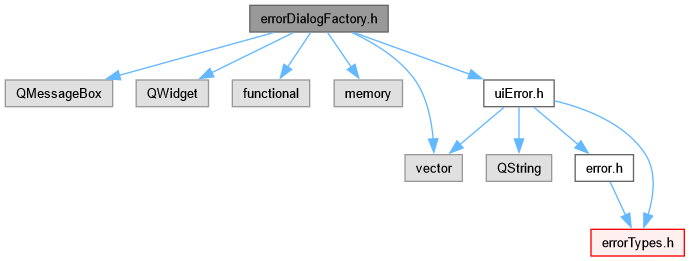
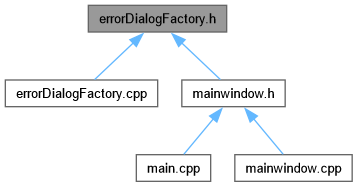
Go to the source code of this file.
Classes | |
| class | nsbaci::ui::ErrorDialogFactory |
| Factory for creating error dialogs from UIError objects. More... | |
Namespaces | |
| namespace | nsbaci |
| Root namespace for the nsbaci application. | |
| namespace | nsbaci::ui |
| User interface namespace for nsbaci. | |
Factory for creating error dialogs from UIError objects.
This module provides a factory that converts UIError objects into ready-to-show QMessageBox dialogs. It is private to the UI layer.
The ErrorDialogFactory operates in two modes:
Returns a DialogInvoker - a callable (std::function) that encapsulates all dialog data but does NOT show the dialog immediately. The caller decides when to invoke it. This is similar to a "lazy evaluation" or "thunk" pattern.
Shows the dialog immediately and returns the result. Internally, this creates an invoker and calls it right away. Use this when you don't need to defer the dialog display.
The DialogInvoker pattern provides:
The callable captures all necessary data by value, so the original UIError can be destroyed before the dialog is shown.
 1.16.1